How to play Battlefield 6 free during the week
Battlefield 6 is opening its doors to everyone for a limited time, giving players a full week to jump in without buying the game. Whether you’re curious about…
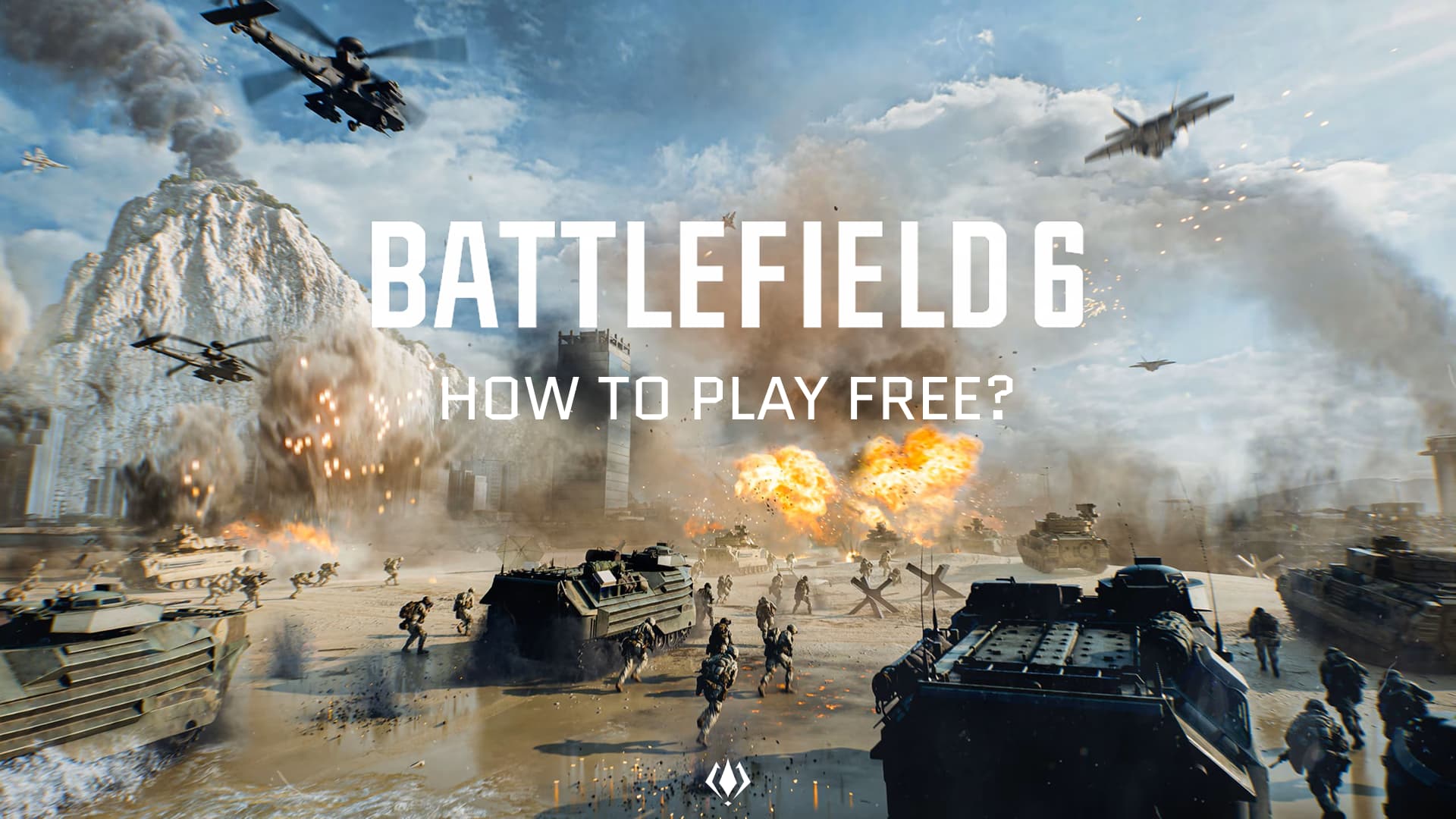
Battlefield 6 is opening its doors to everyone for a limited time, giving players a full week to jump in without buying the game. Whether you’re curious about the new large-scale maps or want to test the combat before committing, the free access window is built to show off the game’s strongest modes and systems. Here’s everything you need to know to get started, quickly and with zero fuss.
How to download the free trial
Downloading the free version works differently depending on your platform, but the overall process is simple:
- PC (Steam or EA App)
Just search for Battlefield 6 and look for the Free Trial tag. Clicking Play will begin the installation immediately. No purchase is shown as long as you launch it within the free-play window. - PlayStation 5
Open the PlayStation Store, type Battlefield 6 into the search bar, and select the version marked “Free Access Week.” Hit Download, and you’re good to go. - Xbox Series X|S
The Microsoft Store lists the free edition under the main game page during the event. Select Free Trial, install, and start playing.
You don’t need PS Plus or Xbox Game Pass for access, only an internet connection and enough storage space.
What content is included during free access?
The free period gives players a curated slice of Battlefield 6’s full experience. You can jump into a mix of large open-field battles and close-quarters chaos through several maps and modes.
You’ll be able to play:
- A rotation of the game’s most active multiplayer modes, including objective-based battles and classic team skirmishes.
- A selection of the current season’s maps, ranging from urban warzones to open landscapes built for vehicles.
- Full progression for your soldier, including weapon unlocks, attachments, and XP; all of which carry over if you buy the game afterward.
The goal is to give new players a genuine feel of how Battlefield 6 plays at its best.
Tips to Get the Most Out of the Trial
Even a week goes fast, so here are simple ways to maximize your time in the free period:
Play with a squad: Battlefield shines when you coordinate. Stick with your squad, revive each other, and share gadgets; you’ll survive far longer.
Use vehicles whenever possible: Maps can be huge, and vehicles aren’t just transportation tools; they’re strategic weapons. Tanks, armored cars, and air support can swing battles quickly.
Focus on objectives, not kills: In objective-based modes, capturing or defending points gives more XP than chasing kill counts. It’s the fastest way to progress during the short free window.
Experiment before you buy: Try different classes, weapons, and gadgets. The free week is the perfect chance to figure out what fits your playstyle.
The Battlefield 6 free access week is the easiest way to see what the game is truly about; massive firefights, dynamic destruction, and chaotic team battles. If you’ve been unsure whether to jump in, this is the perfect time to test everything with no risk.
Will you be trying Battlefield 6 during the free week? Tell us what you think and follow VGNW and X for more guides, event updates, and essential Battlefield coverage.
How do I download the Battlefield 6 free trial on PC?
You can download the Battlefield 6 free trial directly from each platform’s digital store. On PC, search for “Battlefield 6” on Steam or the EA App and select the Free Trial option.
What does the Battlefield 6 free trial include?
The Battlefield 6 free trial gives players access to a selection of multiplayer modes and maps from the full game. All progression, including XP, attachments, and weapon unlocks carries over if you choose to purchase the full game afterward.
0 Comments
No comments yet.