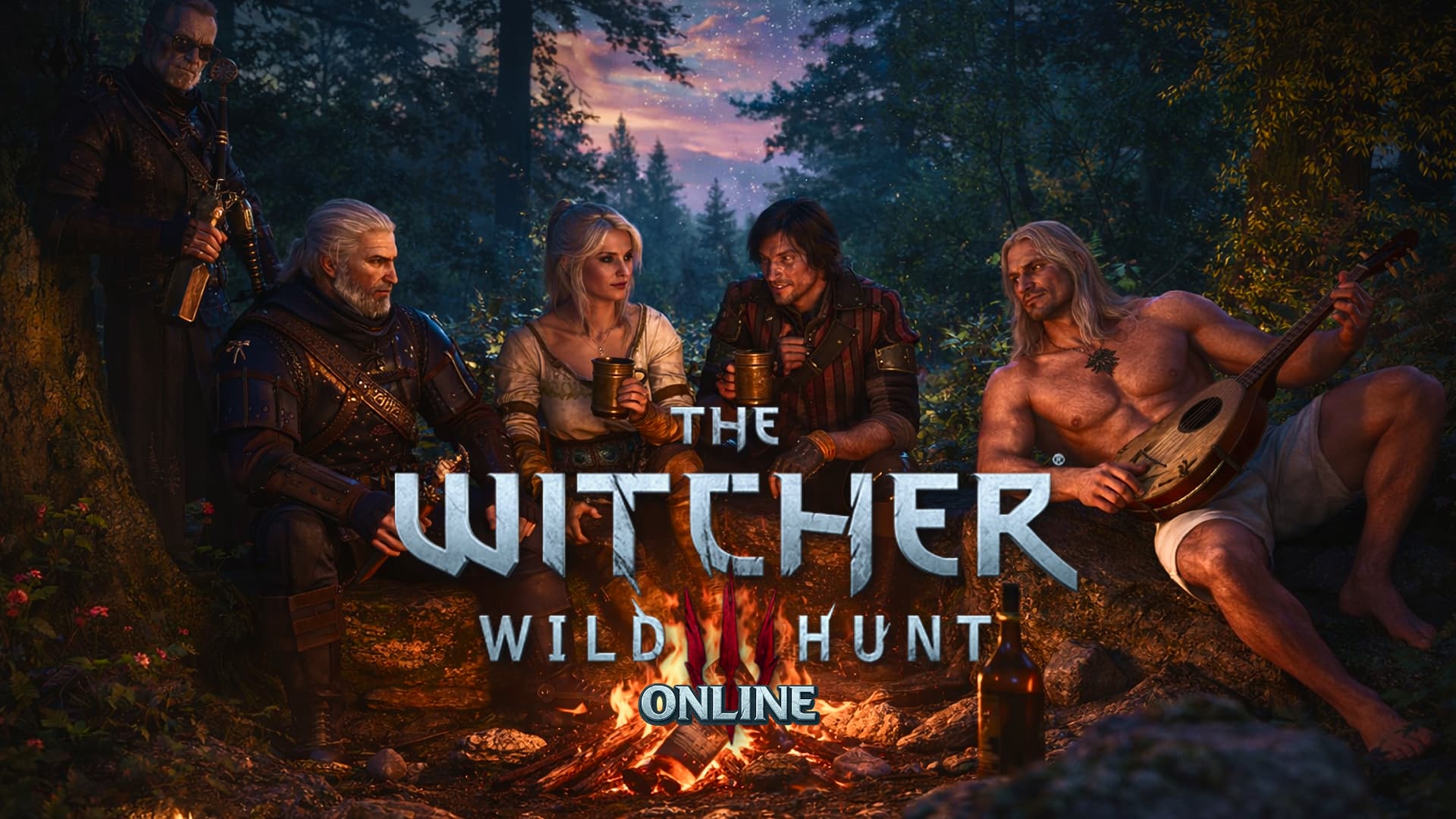
For years, The Witcher 3: Wild Hunt has been known as a purely single-player experience; a long, lonely road across the Continent with only Geralt and his choices for company. That changes thanks to the modding community. A new project called Witcher Online introduces online features that allow players to share the same world, see each other in real time, and explore together.
Rather than turning the game into a traditional co-op RPG, Witcher Online focuses on shared exploration instead of perfectly synchronized story progression. Players can see each other, use emotes, customize characters, and roam the world together, but some quests and dialogue choices may behave differently in multiplayer sessions.
With interest growing rapidly, many players are now wondering how they can try this new experience for themselves.
How to play The Witcher 3 online?
To play The Witcher 3 online, PC players need to install the Witcher Online mod, which is available through NexusMods. The setup process isn’t complicated, but it does require a few preparation steps.
- First, make sure your copy of The Witcher 3 is updated to the latest version (Next-Gen / 4.04 or newer). Older versions of the game are not supported by the mod.
- Next, head to NexusMods and download the Witcher Online mod from the official page. The mod may also require additional community mods to function properly, such as shared scripts and character customization files. These dependencies are listed on the mod page and should be installed alongside the main file.
- After downloading, extract the mod files into your Witcher 3 installation directory. If you don’t already have a “mods” folder in your game directory, you’ll need to create one manually. Players can install everything by hand or use a Witcher 3 mod manager to keep things organized.
- Once the files are in place, running Script Merger is strongly recommended. This tool checks for conflicts between mods and prevents crashes or broken features when launching the game.
- When everything is set up, launch The Witcher 3 with the mod enabled. The game will automatically connect to the Witcher Online servers. No manual server hosting is required. Other players will appear directly in the world, allowing you to move around together, interact, and explore locations side by side.
Note: While this is not an official multiplayer mode, the mod aims to opens the door to a completely new way of experiencing The Witcher 3 on PC.
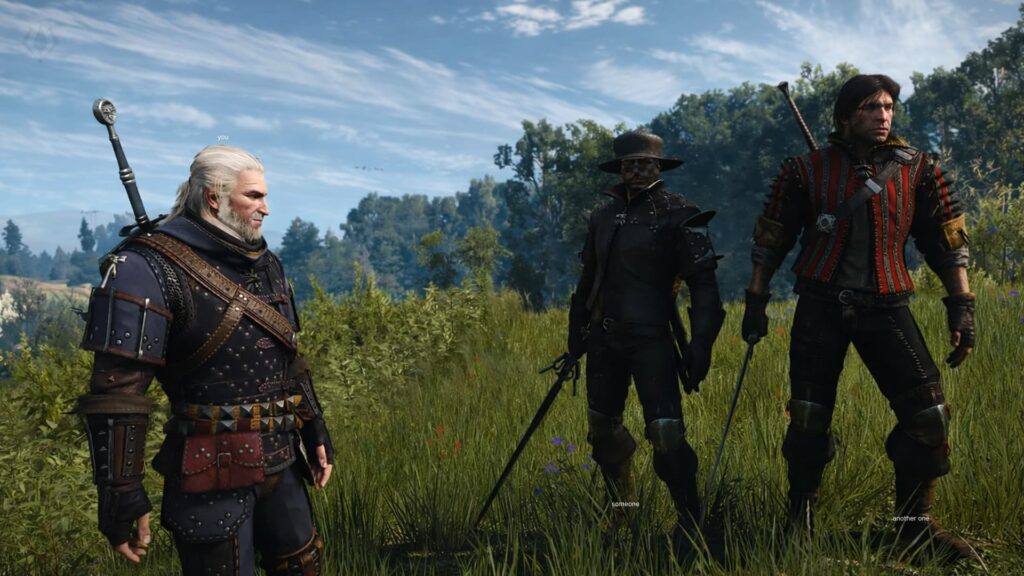
Since the project is still actively being developed, occasional bugs and desync issues can occur. Even so, Witcher Online already offers a compelling glimpse at what a multiplayer Witcher experience could look like, entirely driven by the community.
So, would you revisit The Witcher 3 as an online adventure, or does Geralt’s journey still feel better as a solo path? Share your thoughts and stay tuned VGNW for more updates, new codes, and upcoming game changes. Don’t forget to follow us on X for the latest news.
Is The Witcher 3 Online an official feature?
No. The online functionality is created by mod developers and is not supported by CD Projekt RED.
Can story quests be played together?
Partially. Players can explore together, but some quests and dialogue choices may not sync perfectly.