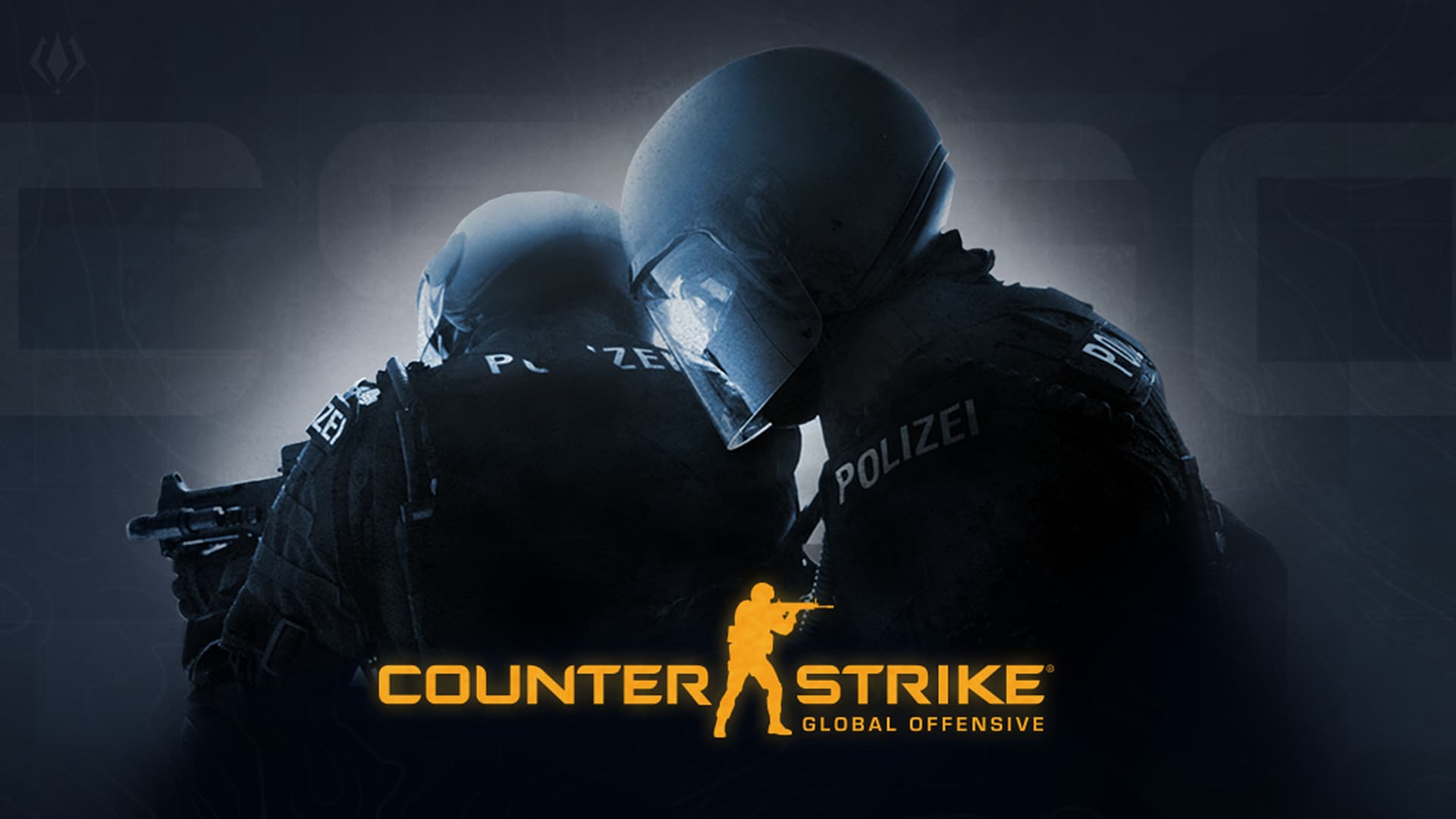
When Counter-Strike 2 launched, many players thought the original CS:GO had completely disappeared. In reality, Valve kept a legacy build of the game available through Steam for players who still want to experience the classic version.
On March 4, 2026, Counter-Strike: Global Offensive became available again as a separate downloadable game on Steam, independent from Counter-Strike 2. This means players no longer need to access the csgo_legacy beta through CS2 to play the original version.
The classic CS:GO build can now be added directly to your Steam library, downloaded normally, and played just like before. Players who want to revisit the original experience can access the official Steam page using the link below.
https://store.steampowered.com/app/4465480/CounterStrike_Global_Offensive
How to Install the CS:GO?
If you want to access the older version of the game, follow these steps:
- Go to the official Counter-Strike: Global Offensive page on Steam.
- Click the “Add to Library” button to add the game to your account.
- Start the download by pressing “Play Now” or the install option.
- Once the download finishes, simply launch the game and start playing.
Steam will then download the necessary files. Once the update finishes, you’ll be able to launch the classic CS:GO experience again.
The return of CS:GO to Steam marks a nostalgic moment for many players who spent years competing on its classic maps. For some, it’s a chance to revisit old memories; for others, it might be the perfect excuse to jump back into the iconic shooter once again.
So, when was the last time you played CS:GO? Now that the game has its own Steam page again, are you thinking about returning to the classic experience? Share your thoughts in the comments below.