
Monitor·ASUS·Released 2022
ASUS TUF Gaming VG32UQA1A
31.5" · 3840 × 2160 (4K UHD) · 160 Hz · VA
Screen size: 31.5"Resolution: 3840 × 2160 (4K UHD)Refresh rate: 160 HzPanel type: VA
Technical specs
Panel
Screen size31.5"
Resolution3840 × 2160 (4K UHD)
Pixel density140 ppi
Pixel pitch0.18 mm
Panel typeVA
Panel technology—
Refresh rate160 Hz
Response time (GtG)—
Response time (MPRT)1 ms
Curvature—
Aspect ratio16:9
Screen surfaceAnti-glare (matte)
Viewing angle (H/V)178° / 178°
Brightness (typ.)400 nits
Peak brightness (HDR)450 nits
Contrast2500:1
HDRVESA DisplayHDR 400, HDR10
DCI-P3—
sRGB120%
Adobe RGB—
Rec. 2020—
Colour accuracy (ΔE)—
Colour depth10-bit
Colours1.07 billion
Sync and gaming
Adaptive syncFreeSync Premium, VESA AdaptiveSync
VRR range48–160 Hz
Dual mode—
Motion blur reductionELMB Sync
Console features—
Gaming featuresGamePlus, Shadow Boost, GameFast Input
Eye care and certifications
Flicker-freeYes
Low blue lightYes
CertificationsAMD FreeSync Premium, VESA DisplayHDR 400, TÜV Low Blue Light, TÜV Flicker-free
Ports
Inputs and outputs1x DisplayPort 1.4 DSC, 2x HDMI 2.1 (FRL)
HDMI2
HDMI version2.1
DisplayPort1
DisplayPort version1.4
USB-C (power)—
USB-C (DisplayPort Alt Mode)—
USB hub2x USB 3.2 Gen 1 Type-A
DisplayPort out (daisy chain)—
KVM—
PiP / PbP—
Smart TV platform—
Speakers2 W × 2
Headphone outYes
Stand and size
Stand adjustmentTilt
Height adjustment—
Tilt-5° ~ +15°
Swivel—
Pivot—
VESA mount100x100 mm
Power (typ.)—
Power (max.)—
Power (standby)—
Power supply—
Weight7,500 g
Weight (without stand)6,600 g
Width716 mm
Height427 mm
Depth55 mm
Colours—
Warranty—
Burn-in covered by warranty—
Similar products
TCL
TCL 27R83U
No price yet27" · 160 Hz

ASUS
ASUS TUF Gaming VG34VQL3A
No price yet34" · 180 Hz
LG
LG UltraGear 27GS60QC-B
No price yet27" · 180 Hz
LG
LG UltraGear 32GS60QC-B
No price yet31.5" · 180 Hz
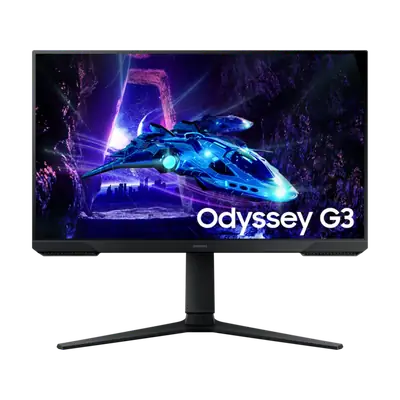
Samsung
Samsung Odyssey G3 G30D 24-inch
No price yet24" · 180 Hz
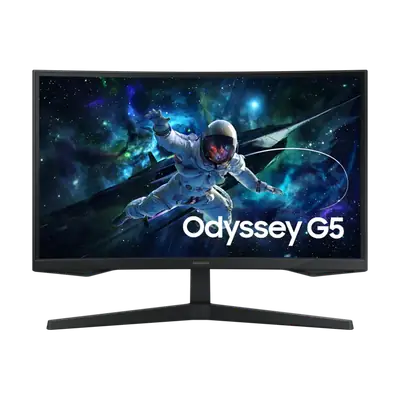
Samsung
Samsung Odyssey G5 G55C 27-inch
No price yet27" · 165 Hz

ASUS
ASUS ROG Strix XG27UCG
No price yet27" · 160 Hz
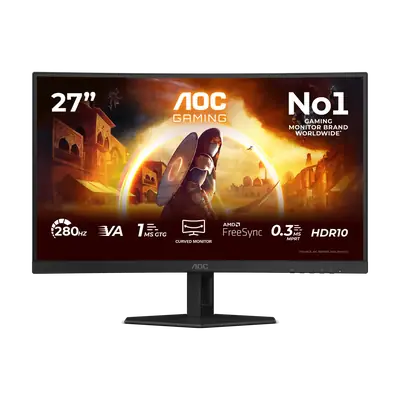
AOC
AOC C27G4ZXE
No price yet27" · 280 Hz
Sources
Specs come from the manufacturer's official pages; values the manufacturer does not list are cross-checked in at least two public sources. Product names and images belong to their manufacturers and are shown to identify the product.
Image: ASUS
