How Does GTA 6 Run on Xbox Series S?
GTA 6 runs natively on Xbox Series S at 720p upscaled to 1080p and targets 30 FPS, but measurements show the mid to high 20s for much of the game. What was kept, what was cut, 120 Hz + VRR, settings and storage space.
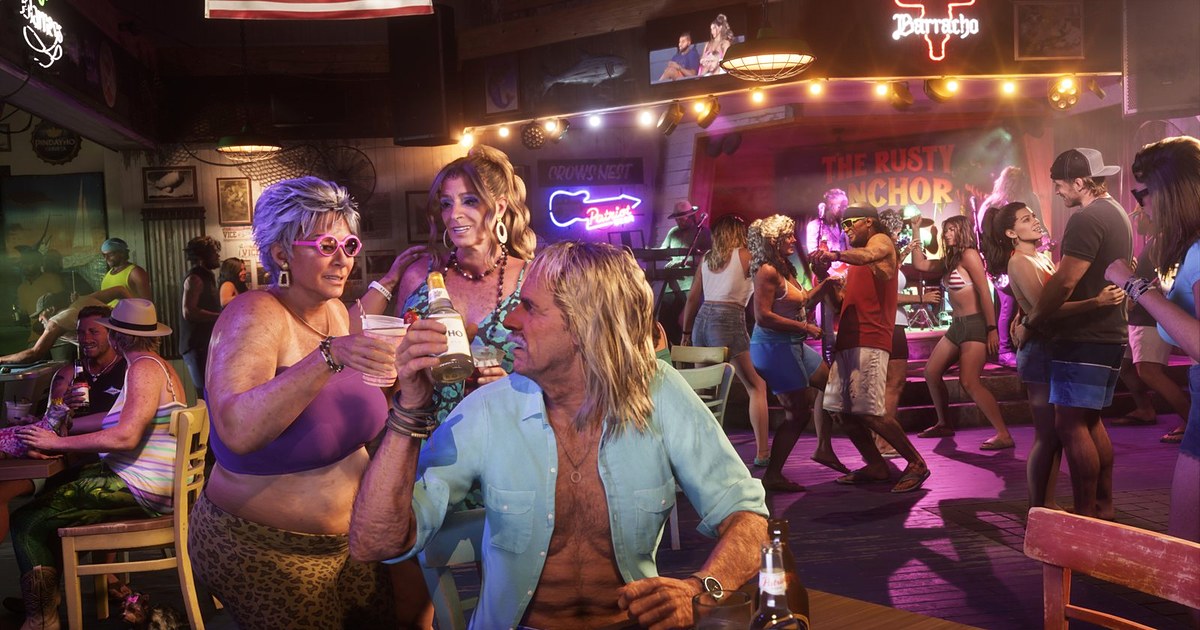
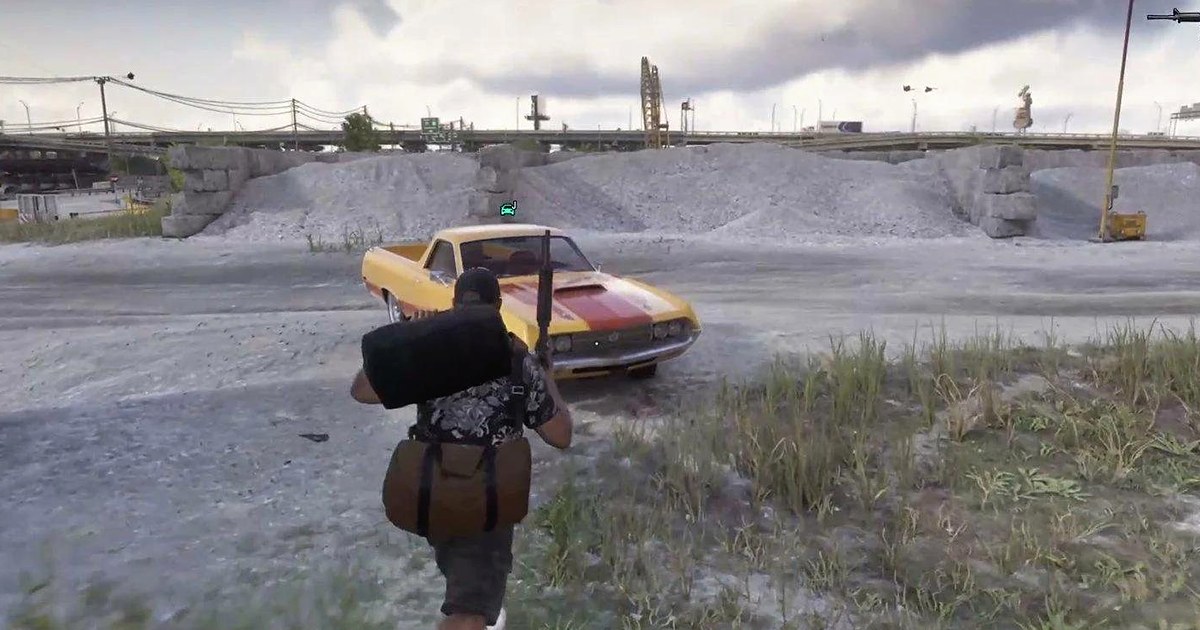
Yes, GTA 6 is playable on Xbox Series S, and it runs locally on the console, not in the cloud. The game renders at 720p, is upscaled to 1080p with AMD FSR 4 and, like the other consoles, targets 30 FPS. That is where the problem lies: in frame-rate measurements, Series S stays below that target for much of the game, between the mid and high 20s, and drops to around 20 in the heaviest moments. On the other hand, ray-traced lighting and reflections and strand-by-strand hair simulation are kept, and the image looks much better than 720p suggests. For now, playing the game on another console is the better choice if you can. For a comparison of all consoles, see our which console is best for GTA 6 guide.
Series S vs Series X
Resolution and upscaler details come from Rockstar’s technical statement; an independent pixel count also finds 720p on Series S. The frame rates are not official figures but independent measurements. The figures are for the launch version and may change with updates.
| Xbox Series S | Xbox Series X | |
|---|---|---|
| Internal resolution → output | 720p → 1080p | 1440p → 4K |
| Upscaler | AMD FSR 4 | Rockstar’s own TAA solution |
| Target frame rate | 30 FPS | 30 FPS |
| Slow driving | Mid to high 20s for long stretches | Mostly a steady 30 |
| Gunfights | Mid-20s | Mostly 30, high 20s in crowded chases and gunfights |
| Worst moment | About 20 | About 20-22 |
| Ray-traced lighting and reflections | Yes, softer | Yes |
| Strand-by-strand hair | Yes | Yes |
Cutscenes and walking are generally fine; the drops come while driving and in gunfights. The internal resolution on Series S is half that of Series X on both axes.
Reports do not agree on the upscaler version. Rockstar’s statement says “FSR Upscaling 4”, while a report on the technical analysis says FSR 4.1; another Series S report noted that there is no sign for now that FSR 4.1 will be used on Xbox. The table uses the name Rockstar gave. The FPS table for every console and why there is no 60 FPS are in our GTA 6 performance mode article.
What was kept and what was cut?
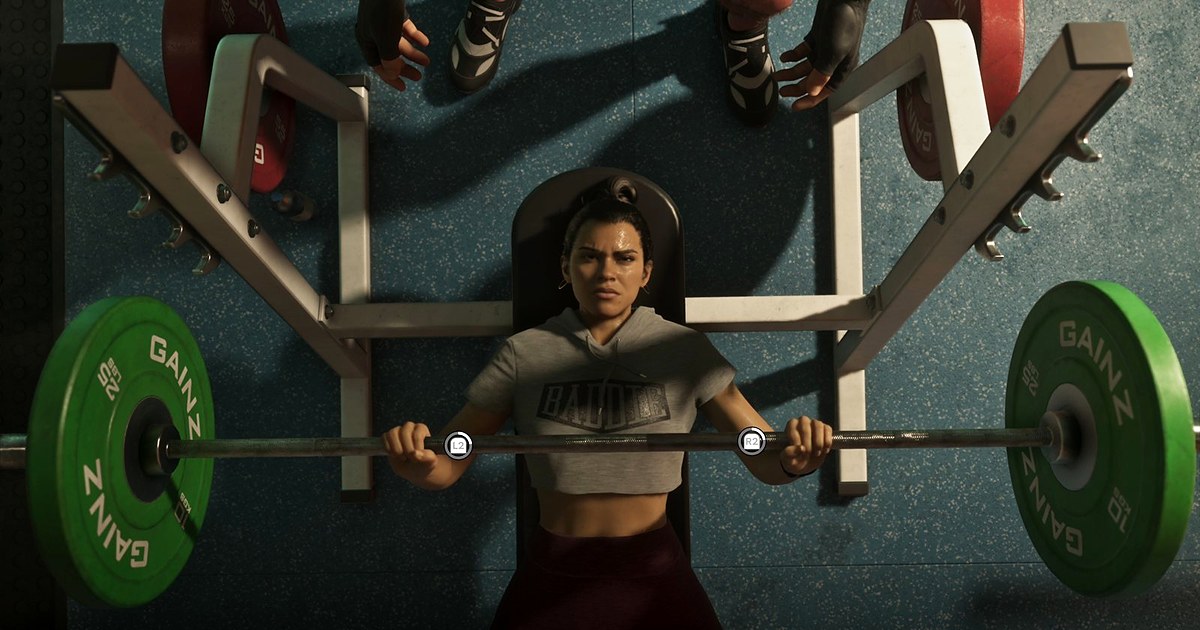
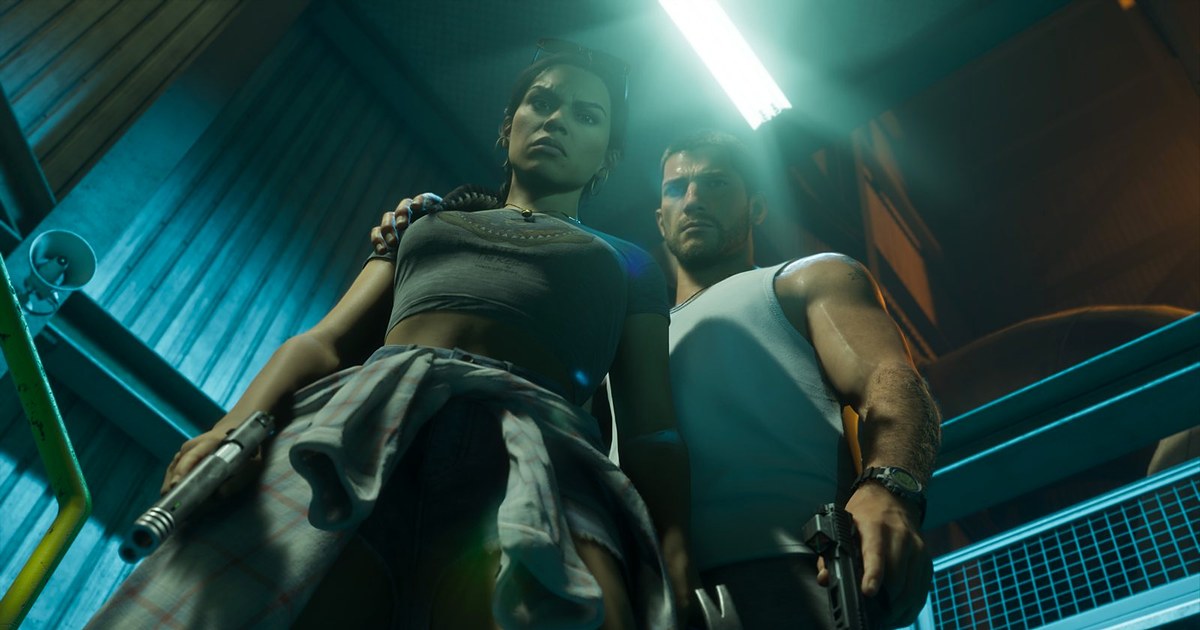
According to Rockstar, Series S uses the same lighting solution as the other consoles despite its memory limits; the settings for ray-traced global illumination (RTGI) have been rebalanced for each console. The image is also broadly close to Series X, and the difference in sharpness is small; image quality on Series S has been called impressive.
What was kept:
- Ray-traced global illumination and reflections. Reflections are softer than on Series X and the lighting is less precise.
- Strand-by-strand hair simulation. Characters’ hair looks the same as on the other consoles.
What was cut:
- Shadows are more diffuse. In one comparison image, a wall shadow looks harsher on Series S; this detail is not confirmed yet.
- Textures are lower quality.
- There seem to be small cuts to clouds, water and pop-in of distant objects, and draw distance may also be shorter; neither is confirmed yet.
There may be other cuts that have not been spotted. One guess is that a big cause of the performance problems is Series S’s 10 GB of relatively slow memory; this is not confirmed.
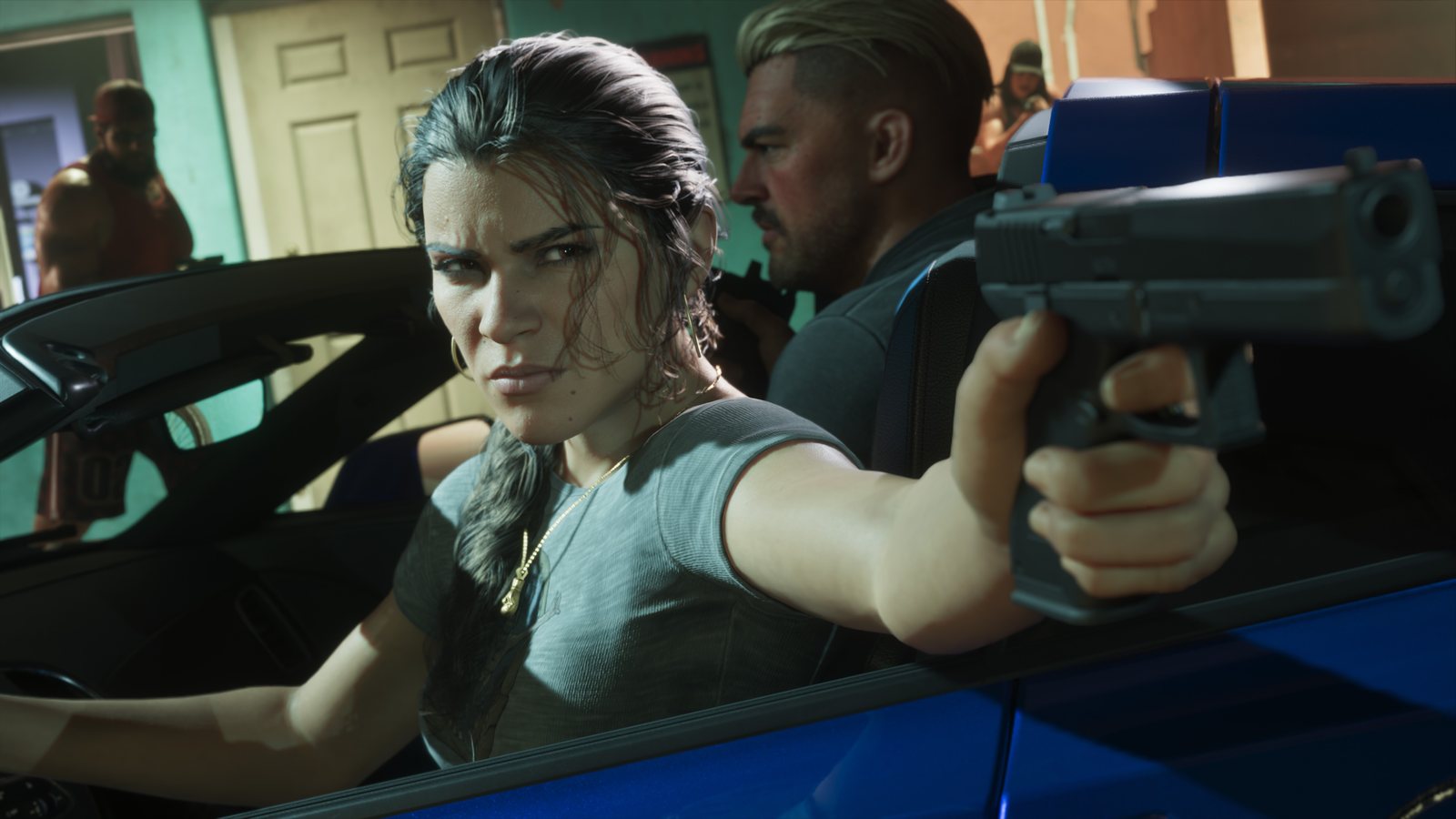
Do 120 Hz and VRR help on Series S?
A little. Xbox’s 120 Hz output and variable refresh rate (VRR) in the system settings can make a frame rate below 30 feel smoother on a compatible TV. This seems to help on Series S too, but only to a limited extent; this is not confirmed yet. It does not raise the frame rate. The path: in the console settings, set the refresh rate to 120 Hz under General > TV & display options, and tick the “Allow variable refresh rate” option under Video modes. If the picture has problems, turn VRR off.
The method of lifting the 30 FPS cap with the Xbox Quick Resume glitch, and its risks, are covered in our GTA 6 performance mode article; how many FPS this gives on Series S is not known yet.
Settings for a better image
There is no setting in the game that raises the frame rate, and no hidden option that gets you Series X image quality. Still, these tips can make a difference:
- Motion blur: The slider runs from 0 to 10, with a default of 3. Lowering it is recommended on Series S; 0 gives the sharpest image. The steps are in our motion blur article.
- Camera shake and sway: Reduce them for a cleaner image.
- Console output: Set it to your TV’s native resolution. Choosing 4K output does not raise the game’s internal resolution.
- TV: Turn on Game Mode and keep sharpness neutral; too much sharpness causes halos around edges.
How much storage space do you need?
According to the Microsoft Store listing, the Xbox Series X|S package is 225.3 GB. In the 1,024-based unit (GiB) that computers often use, that is 209.9; the figure of about 210 GB reported in some places for the Xbox Store is most likely this one (calculation). There are no separate packages for Series X and Series S, the store has a single listing, and there is no sign of a smaller download for Series S. The figure in Rockstar’s pre-load announcement is up to 212 GB depending on the device; it does not say which unit it uses.
On the 512 GB Series S, usable space is about 364 GB. So GTA 6 alone takes up more than half of that space; leave a few GB free for updates too. The details are in our GTA 6 file size article.
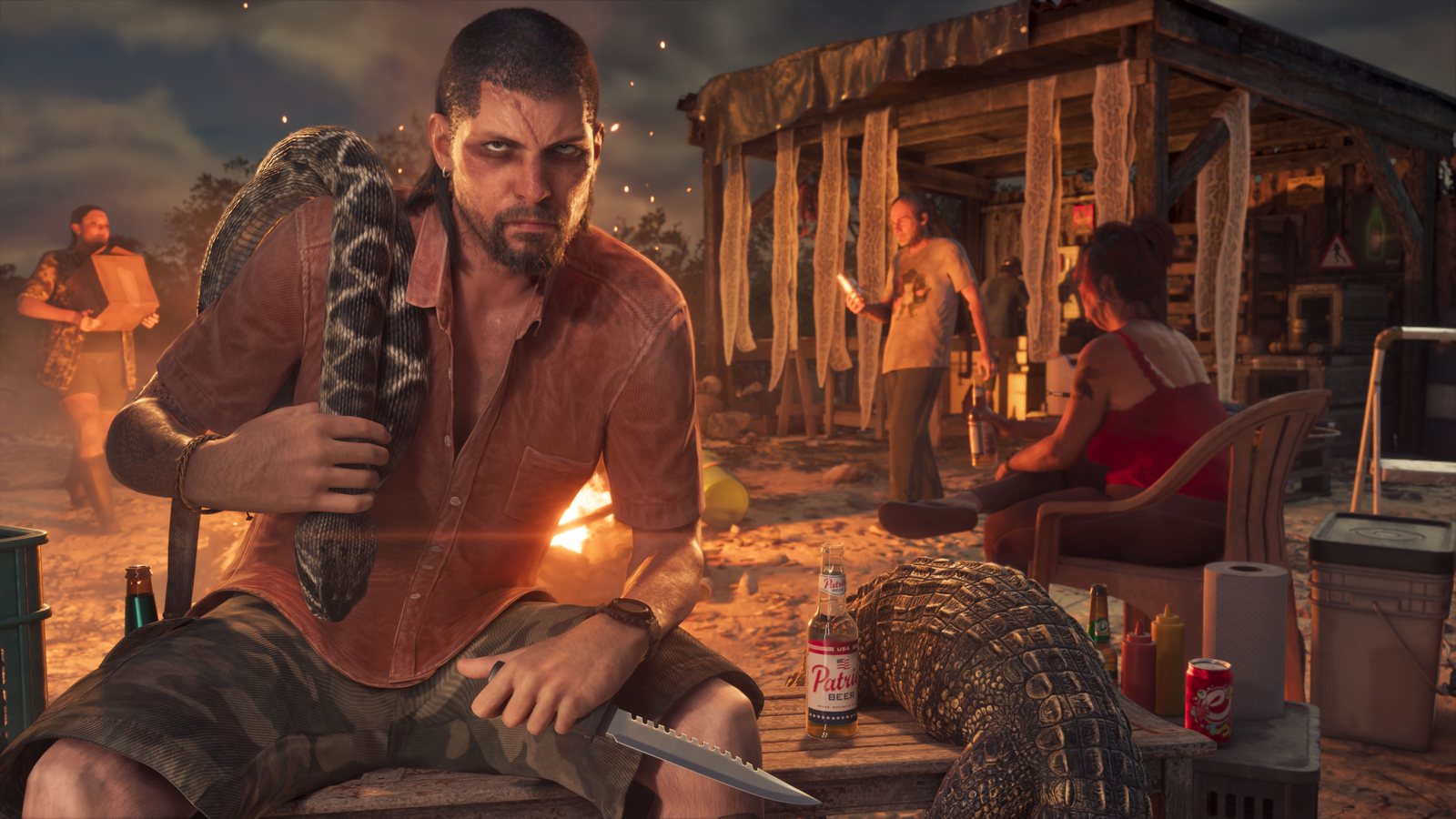
Xbox One and the cloud
There is no native version for Xbox One. Rockstar announced that the game can be played via Xbox Cloud Gaming on Xbox Series X|S and Xbox One consoles, and that the cloud version uses Series S graphics settings. Connection speed can affect performance. So players on Xbox One using the cloud also get the Series S image. Details for older consoles are in our GTA 6 on PS4 and Xbox One article.
If the game crashes on Series S
There are no reliable reports or Rockstar statements about a crash problem specific to Series S. Update 01.002.002, released on November 23, fixed several crashes, but the notes do not name a platform. First make sure the game and the console are up to date, then shut the console down fully and restart it. Another suggested step, not confirmed yet, is holding the power button until the console turns off and unplugging the cable for 30 seconds. Other steps are in our GTA 6 crashing article.
Frequently asked questions
Is GTA 6 on Xbox Series S?
Yes. The game came out natively on Series S too on November 19, 2026, and it can also be played via the cloud.
What FPS does GTA 6 run at on Xbox Series S?
The target is 30 FPS. In measurements it stays in the mid to high 20s for long stretches while driving and in the mid-20s in gunfights, dropping to about 20 in the heaviest moments. There is no 60 FPS or performance mode.
What resolution does GTA 6 run at on Xbox Series S?
The game renders at 720p and is upscaled to 1080p with AMD FSR 4. According to Rockstar, the interface is rendered at 4K on every console.
What is the GTA 6 file size on Xbox Series S?
225.3 GB (209.9 GiB) according to the Microsoft Store listing; the same package as Series X. Rockstar says up to 212 GB depending on the device. That is more than half of the roughly 364 GB of usable space on the 512 GB Series S.
Is GTA 6 worth playing on Series S?
It is playable, but it is the hardest version to recommend; for now, play on another console if you can. The image looks much better than 720p suggests; the problem is the frame rate, which stays below 30 for much of the game. Whether updates will fix this is not yet known.
0 Comments
No comments yet.