GTA 6 How to Auto Drive: Auto-Drive and Cinematic Mode
Auto-drive in GTA 6 is hidden in the cinematic camera: the button steps for PS5 and Xbox, the three speed levels, the Restricted and Unrestricted setting and using it on boats.
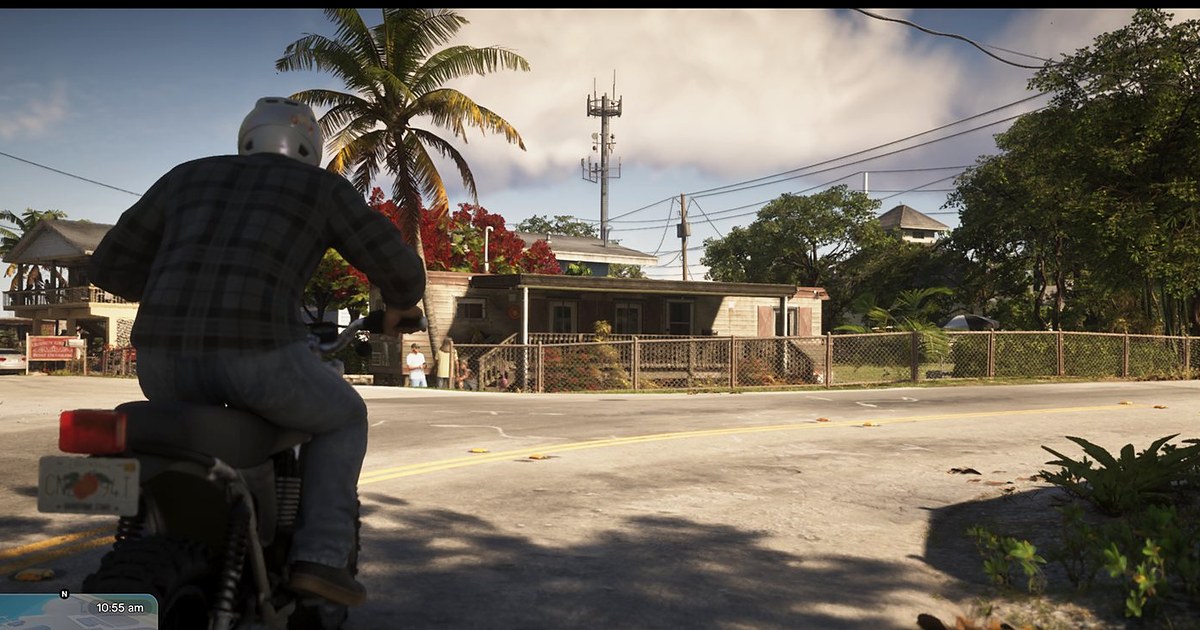
GTA 6 has auto-drive (autopilot), but the game does not tell you about it. Get in a vehicle, set a waypoint on the map, and while driving hold D-pad Down and press Options (PS5) / Menu (Xbox) to switch to the cinematic camera, then hold Circle (PS5) / B (Xbox). Jason or Lucia takes the wheel and drives you to the destination. Auto-drive only turns on in the cinematic camera; the game’s own settings description says so too. If you are off-road rather than on a road, you first need to set the Auto Drive option to Unrestricted in the settings. For the other driving options, see our GTA 6 driving settings and vehicle controls guide.
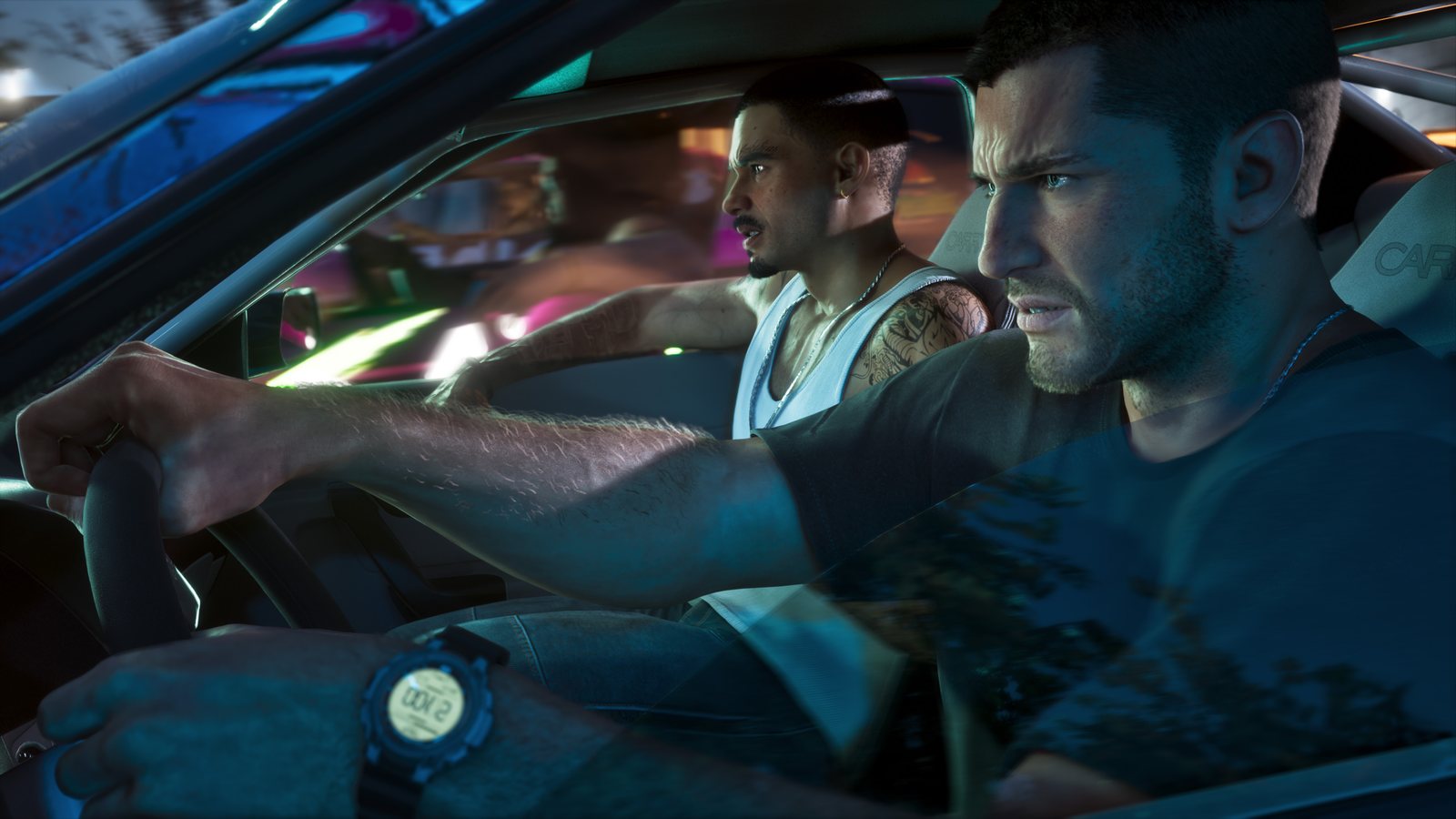
How to turn on auto-drive in GTA 6
- Get in a vehicle. It reportedly works in your own vehicle and in stolen ones; this is not confirmed yet.
- Open the map and place a marker where you want to go. The destination of an active mission or a place you selected also works. Without a destination, the auto-drive prompt never appears.
- While driving, hold D-pad Down. The camera options open in the bottom right of the screen.
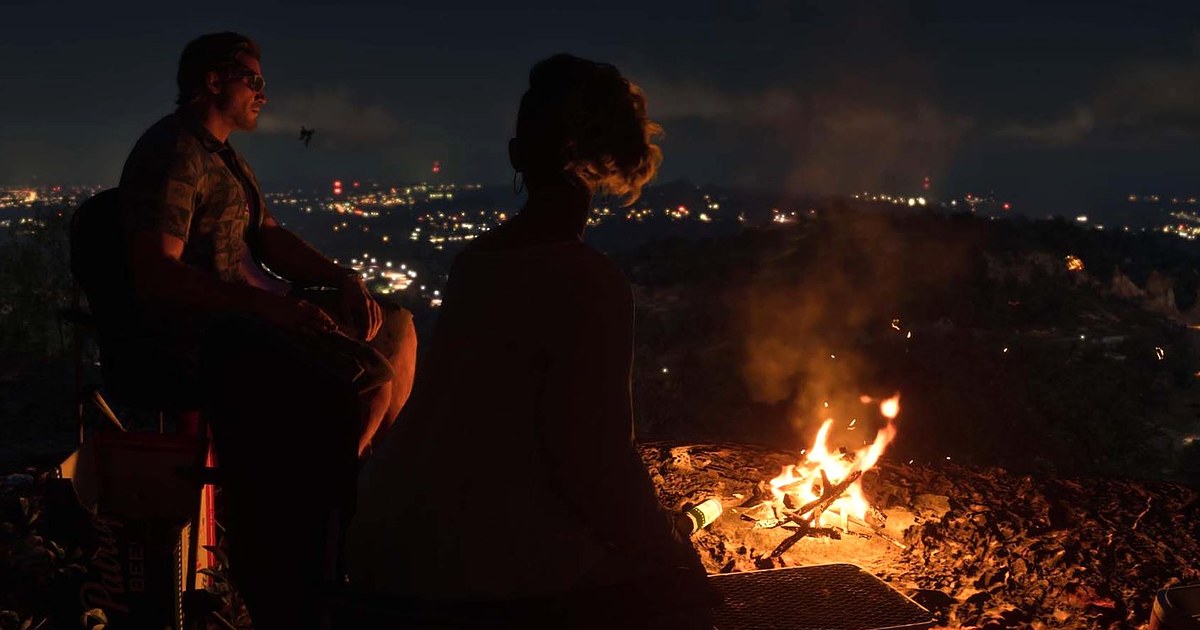
- Without letting go, press Options / Menu. The camera switches to the cinematic view and the vehicle is shown from constantly changing angles (reportedly side, overhead and front).
- If you are in the right lane and on the road, the Enable Auto Drive prompt appears in the bottom right. Hold Circle / B.
- If the prompt does not appear, make sure the engine is running and give it a little gas (R2 / RT); the prompt reportedly only appears once the vehicle speeds up slightly, though this is not confirmed yet.
PS5 and Xbox controls
| Action | PS5 | Xbox |
|---|---|---|
| Open camera options | D-pad Down (hold) | D-pad Down (hold) |
| Switch to cinematic camera | Options | Menu |
| Turn on auto-drive | Circle (hold) | B (hold) |
| Slow down / speed up | L2 / R2 | LT / RT |
| Turn off auto-drive | Circle (hold) or D-pad Down (hold) | B (hold) or D-pad Down (hold) |
| Leave the cinematic camera | D-pad Down (hold) | D-pad Down (hold) |
Guides differ on the button to turn it off: some say to hold the same button (Circle / B) again, while others say to hold D-pad Down. In screenshots, the Circle / B icon sits next to the Disable Auto Drive text in the bottom right while auto-drive is on. Holding D-pad Down is also given as the button to leave the cinematic camera. Either way, check the prompt in the bottom right of the screen.
Speed levels and traffic
Auto-drive has three speed levels. The bottom right of the screen shows Speed 1/2/3; L2 / LT drops one level and R2 / RT raises one level. The difference between levels is reportedly small.
Whatever level you are on, the character behaves like an ordinary traffic driver: mostly follows the rules and stops at red lights. It can get stuck in a traffic jam or an accident. That is why auto-drive is no substitute for fast travel; it suits long, relaxed trips, conversations in the vehicle or the scenery. It works on motorcycles as well as cars; screenshots show it on a motorcycle. The vehicle reportedly also uses fuel meanwhile, so if you run out of gas, you will need to stop at a gas station; this is not confirmed yet. For the fuel system, see our GTA 6 gas guide.
If you do not want to drive at all, there are two more options. When Jason and Lucia are together, you can hand the wheel to your partner: pressing R1 / RB while holding D-pad Right reportedly switches characters and your partner takes over the driving (not confirmed yet). To skip the trip entirely, taxis and ride-hailing apps like RydeMe can be used; the skip fee is reportedly $100 (not confirmed yet, and it may change with patches).
The Auto Drive setting: Restricted or Unrestricted?
The setting is in the Settings > Gameplay tab, toward the end of the list, under the name Auto Drive. It has two options:
- Restricted (default): Auto-drive only turns on while you are on a road. When you go onto the beach or off-road, the prompt disappears.
- Unrestricted: According to the game’s own description, it turns on in any situation, including ones that are less safe and could lead to crashes. When off-road, the character reportedly first tries to get to the nearest road and may hit trees, bushes or animals along the way; this is not confirmed yet.
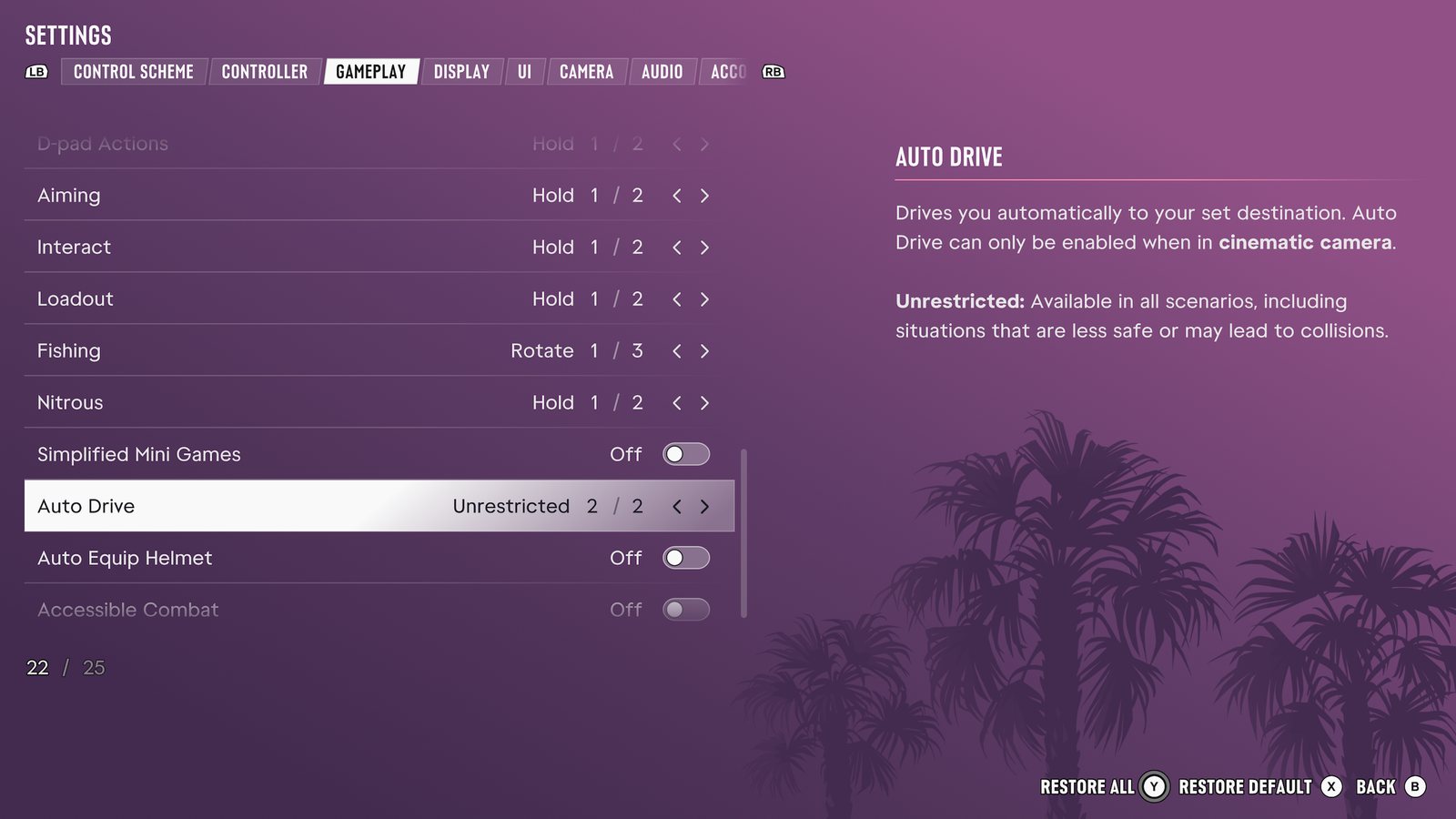
If you like driving yourself, you can leave it on Restricted. If you want auto-drive to turn on everywhere, set it to Unrestricted.
Auto-drive on boats
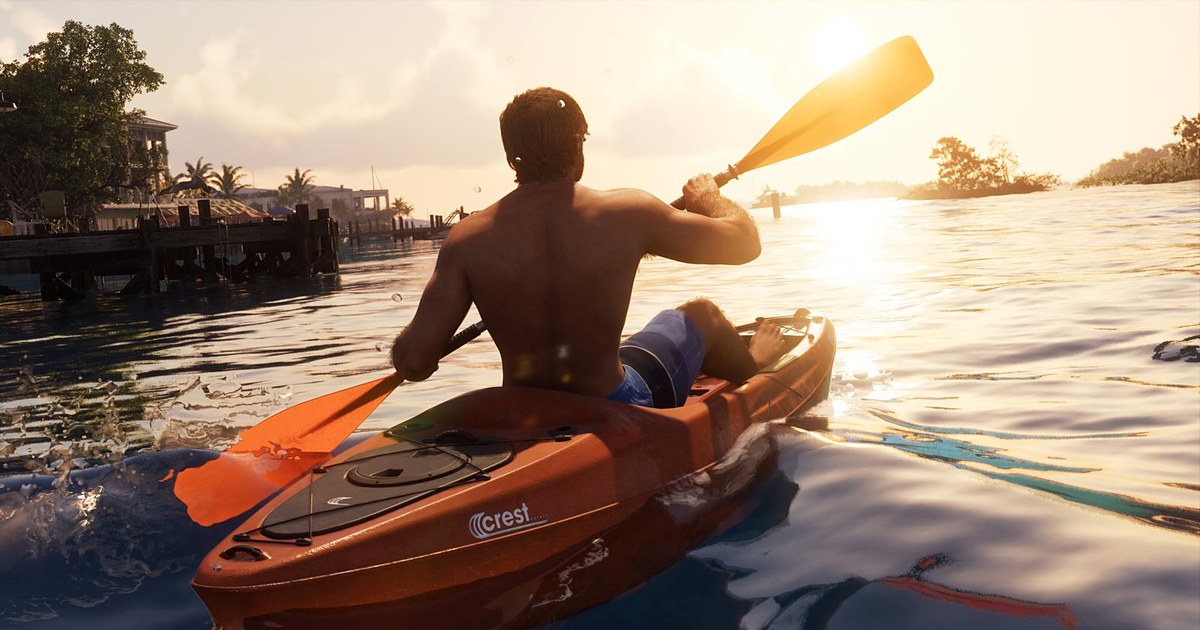
The same method works on boats and other watercraft: set a destination you can reach by water, switch to the cinematic camera and hold Circle / B. If the destination is on land, the boat reportedly goes as far as the water allows, then auto-drive switches off on its own; this is not confirmed yet. If you put the destination on a waterway, you will not run into this problem. Auto-drive reportedly does not work in planes and helicopters; this is not confirmed yet, but guides only mention land and sea vehicles. To find a boat, see our GTA 6 boat guide.
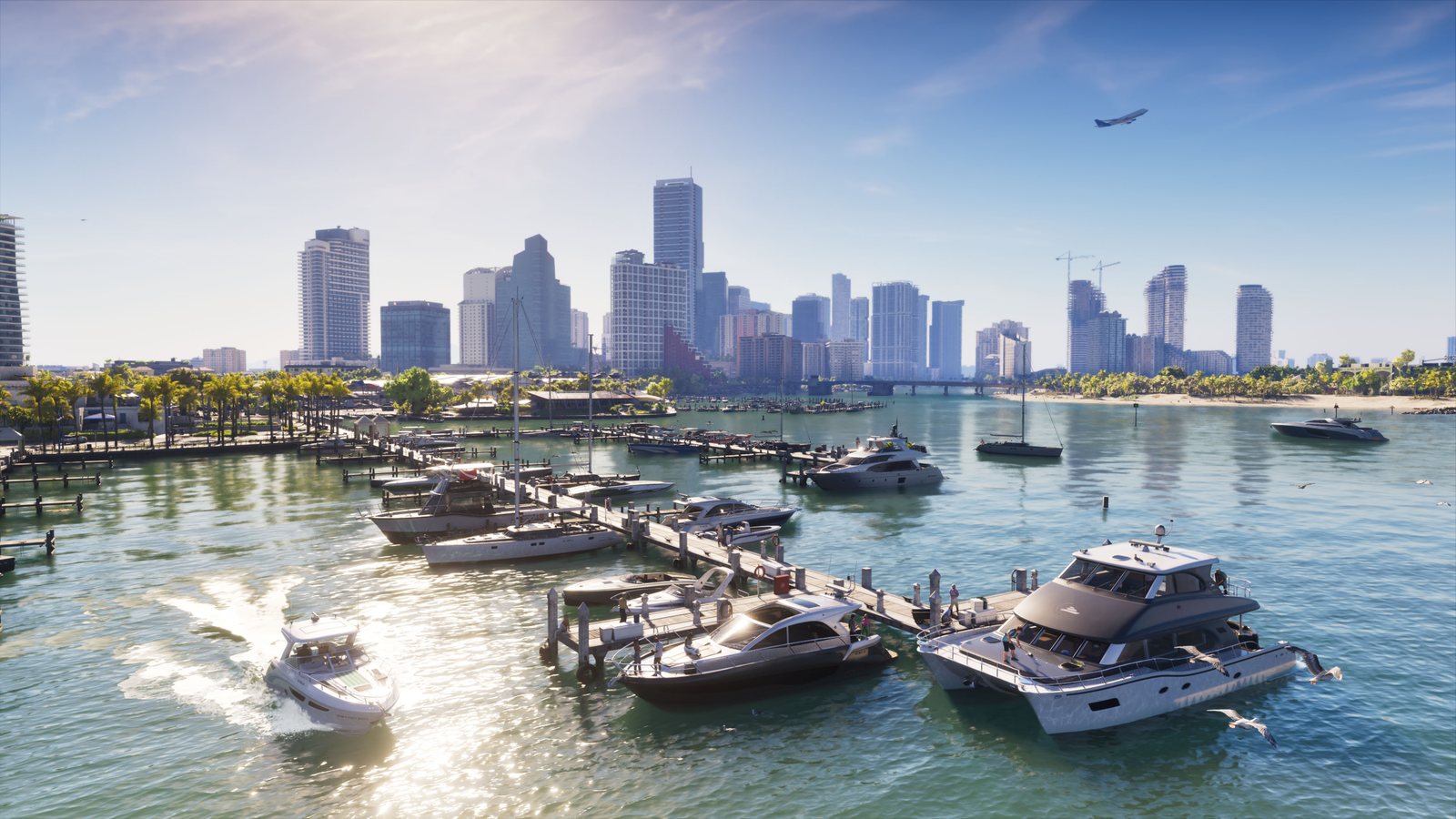
If you want to change the cinematic camera’s angles and shake settings, see our GTA 6 camera settings article.
Frequently asked questions
Can you auto drive in GTA 6?
Yes. When you switch to the cinematic camera and hold Circle (PS5) or B (Xbox), the character drives the vehicle to the destination on the map by themselves.
Why is the auto-drive prompt not showing up?
The usual reasons: there is no destination on the map, you are in the wrong lane or you have left the road. Set a destination and move into the right lane; giving it a little gas may also help. If you want to use it off-road too, set Settings > Gameplay > Auto Drive to Unrestricted.
How do you auto drive on PS5 and Xbox?
The method is the same, only the button names differ: on PS5, D-pad Down + Options, then Circle; on Xbox, D-pad Down + Menu, then B. Speed is set with L2/R2 on PS5 and LT/RT on Xbox.
Can you auto drive a boat in GTA 6?
Yes. The destination needs to be somewhere you can reach by water. With a destination on land, the boat reportedly goes as far as the water ends and auto-drive switches off there; this is not confirmed yet.
Does auto-drive replace fast travel?
No. Since the character follows traffic rules, the trip usually takes longer than when you drive yourself. If you want to skip the trip, look at taxis or ride-hailing apps like RydeMe.
0 Comments
No comments yet.